
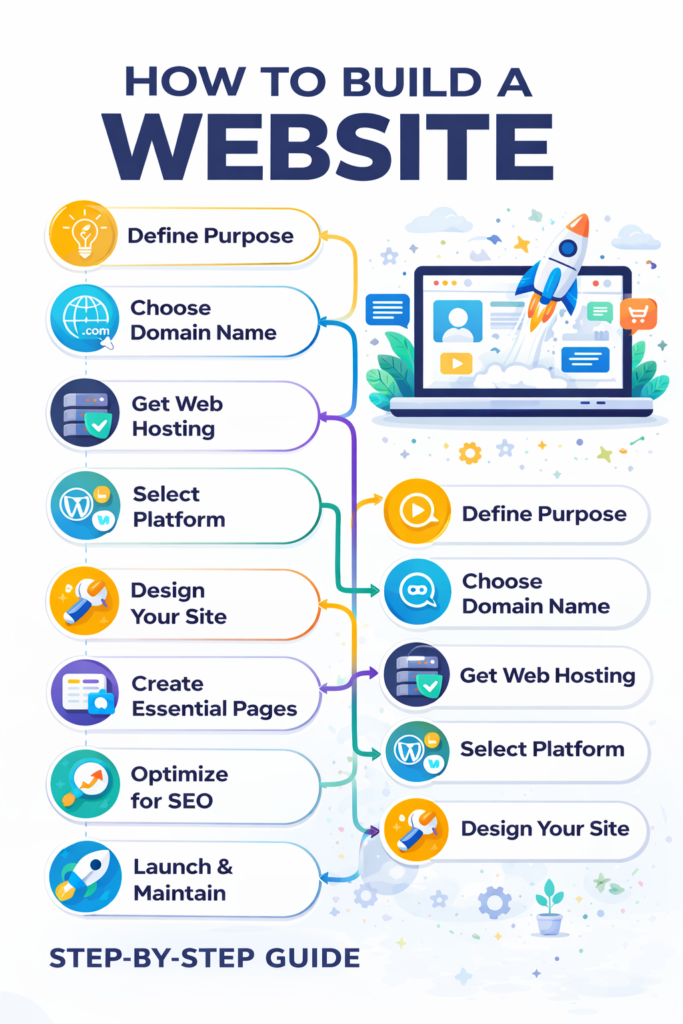
A Step-by-Step Guide
Building a website today is easier than ever, even if you don’t have technical knowledge. Whether you’re creating a business website, blog, portfolio, or online store, following the right steps will help you build a professional and effective website.
Step 1: Define the Purpose of Your Website
Start by deciding why you want a website. Is it for a business, personal brand, blogging, or selling products? Your purpose will guide the design, structure, and content of your website.
Step 2: Choose a Domain Name
A domain name is your website’s address (example: yourbrand.com). Choose a name that is:
- Easy to remember
- Short and brandable
- Relevant to your niche
Try to use .com if possible, as it’s widely trusted.
Step 3: Get Web Hosting
Web hosting is where your website files are stored. A good hosting provider ensures:
- Fast loading speed
- High uptime
- Security and backups
Popular hosting options include shared hosting for beginners and cloud or VPS hosting for growing websites.
Step 4: Select a Website Platform
Choose a platform to build your website:
- WordPress – Best for blogs, business sites, and SEO
- Wix / Squarespace – Easy drag-and-drop builders
- Shopify – Ideal for e-commerce websites
WordPress is the most popular choice because it’s flexible, scalable, and SEO-friendly.
Step 5: Design Your Website
Pick a theme or template that matches your brand. Focus on:
- Clean layout
- Mobile responsiveness
- Easy navigation
- Fast loading design
Customize colors, fonts, and layouts to match your brand identity.
Step 6: Create Website Pages
Every website should have essential pages:
- Home
- About Us
- Services / Products
- Blog (optional)
- Contact
Make sure content is clear, engaging, and easy to understand.
Step 7: Optimize for SEO
SEO helps your website rank on search engines. Optimize by:
- Using keywords naturally
- Writing meta titles & descriptions
- Adding image alt text
- Improving page speed
SEO ensures your website gets organic traffic over time.
Step 8: Add Security & Performance Tools
Install an SSL certificate (HTTPS), security plugins, and caching tools to keep your website safe and fast.
Step 9: Test & Launch
Before launching, test your website on different devices and browsers. Check links, forms, and loading speed. Once everything is ready, go live.
Step 10: Maintain & Grow
Regularly update content, add blogs, monitor performance, and improve SEO to grow your website long-term.